


Introduction
When you choose a "Site Builder" web hosting or classic web hosting plan (Level 1, 2, 3, or other), you get free access to the SiteJet tool. This tool allows you to create your website without any programming knowledge and offers many advanced features, including e-commerce and dynamic content such as blogs. It also includes over 170 templates to get you started and more than 120 pre-designed sections that can be reused on your site. In short, it's an amazing tool for quickly establishing your online presence.
Steps to Get Started
From your AdocSys account (at www.adocsys.com by clicking the login icon in the top right corner), go to your dashboard or the "Services" section. In the list of your services, click on the line containing your hosting service, as shown below.

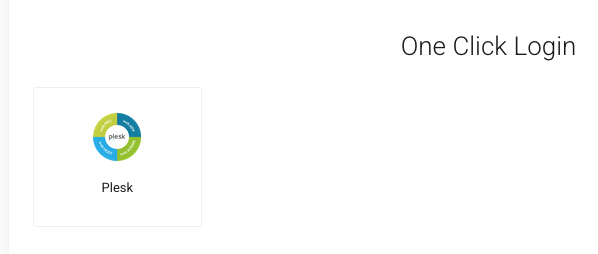
Next, a little further down in the details of your service, you will find the button to connect in one click to Plesk, which is our administration panel for your web hosting services.
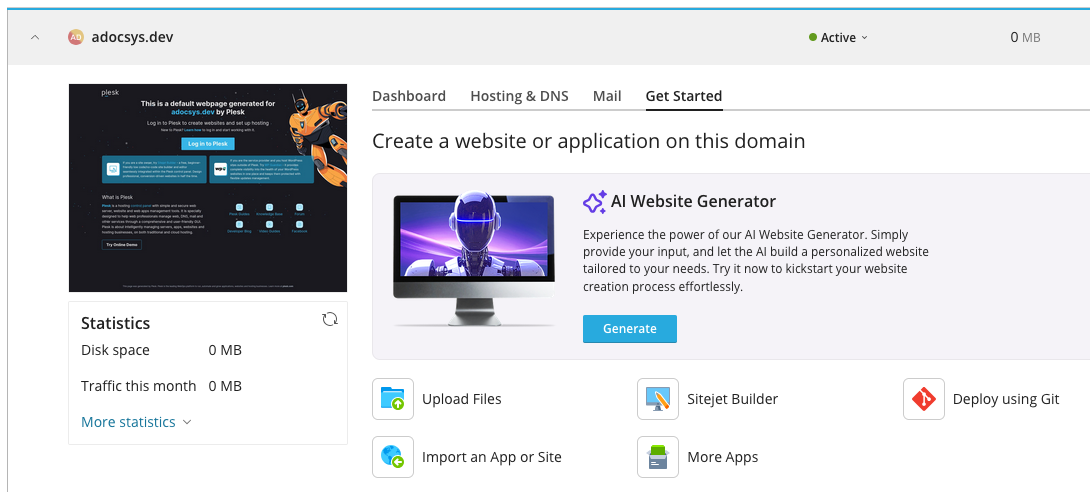
Once in Plesk, you'll find the "Get Started" tab, which offers two options. The first is to use artificial intelligence to describe your needs and have a website generated for you (which you can then modify as you wish). Alternatively, there's the "SiteJet Builder" option, where you can choose a template to start with and then modify it. So you can choose your preferred approach.
Now all you have to do is have fun creating your website.


 WGS AI Assistant